Seven ways in, all in the beta.
- Share it from any app In the beta
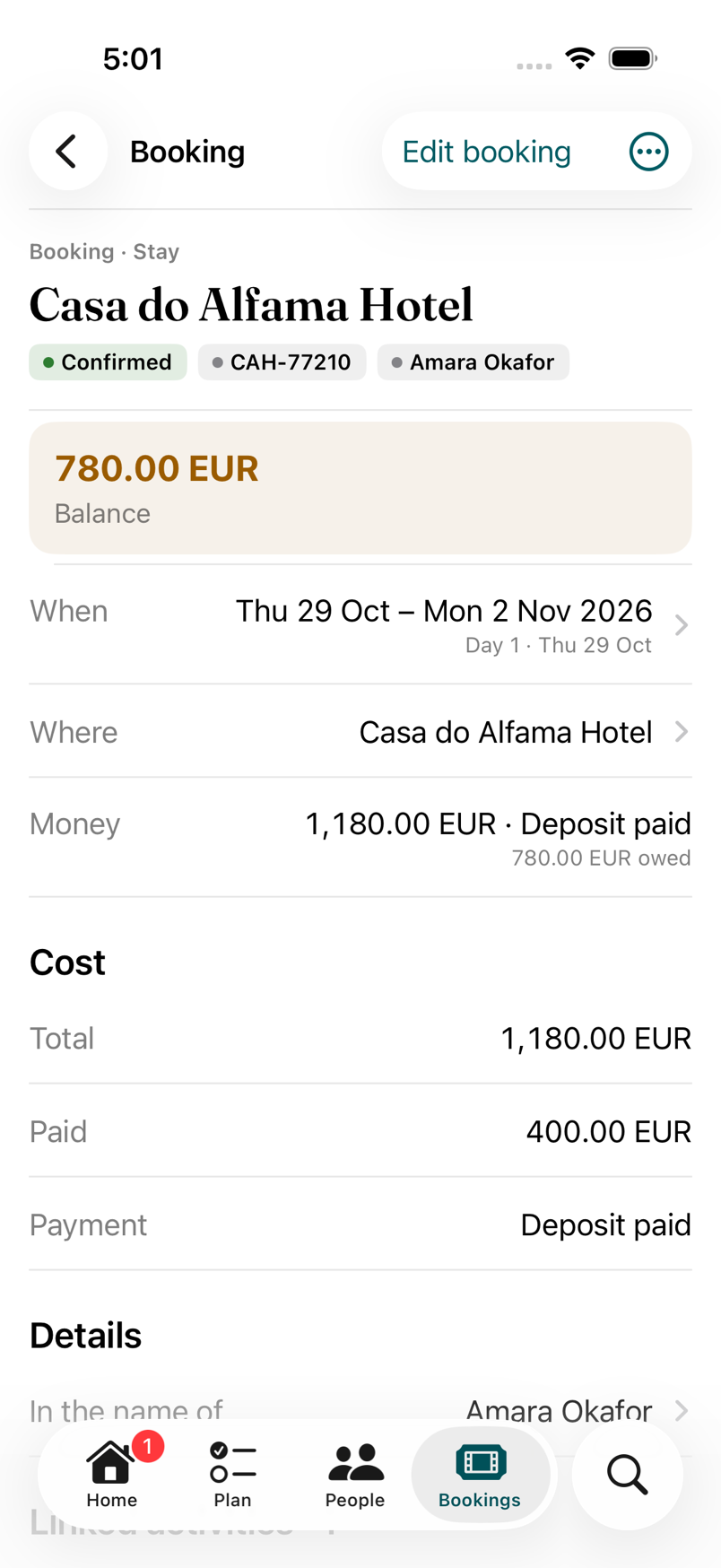
- In Mail, Safari, Files or any app with a Share button, pick Faring, then the trip. Amara shares the apartment’s confirmation email; Faring reads what it can on her phone and fills in the booking for her to check.
- Open it in Faring In the beta
- A PDF ticket from Files, a calendar invite, a Wallet boarding pass. A boarding pass becomes a flight with its route, flight number and departure; the traveller’s name on it is left out.
- From Calendar In the beta
- Already put the trip in your calendar? Pick the events between the trip’s dates and they become bookings and activities. Anything that looks like a duplicate is flagged before it’s added.
- Links become Ideas In the beta
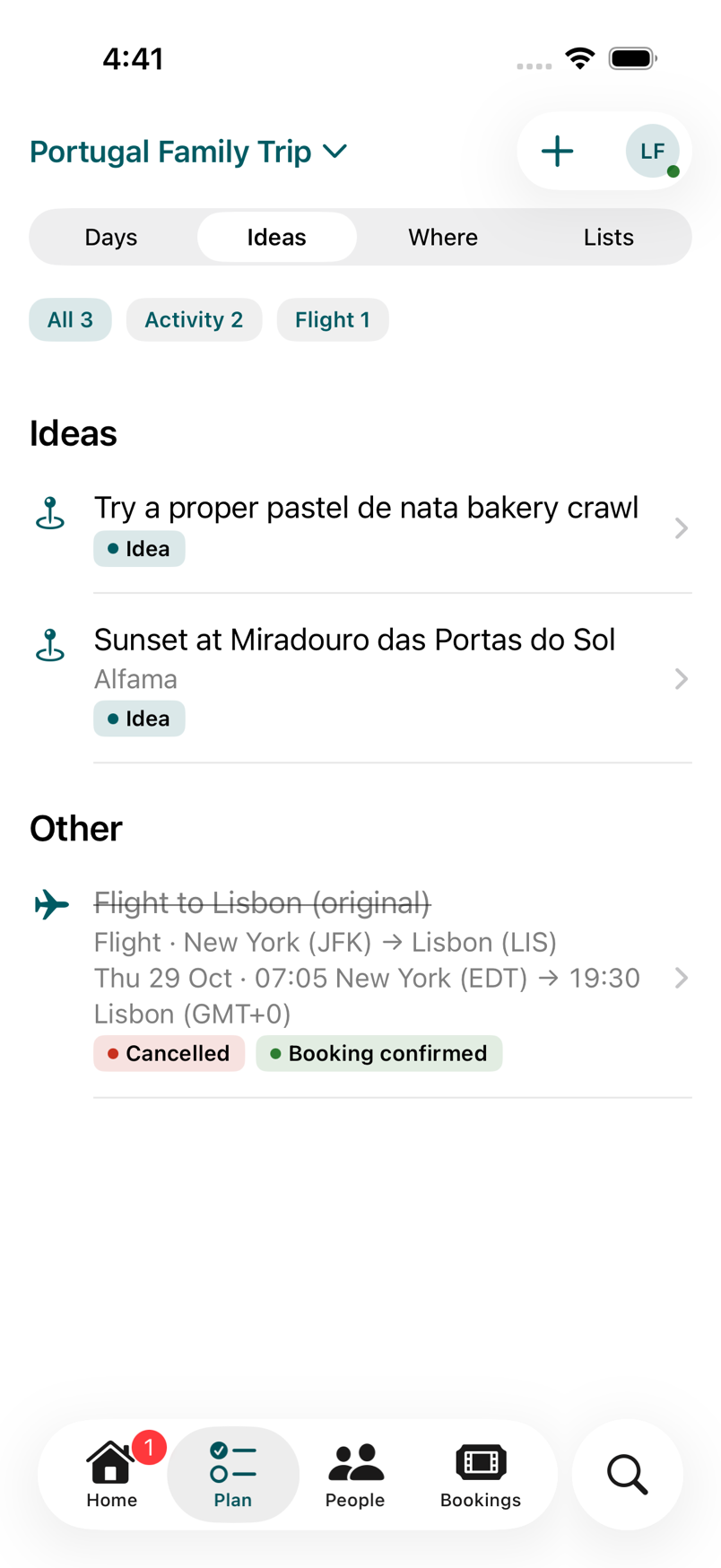
- Elin drops a link to a tasca in the group chat. Share it to the trip and it lands as an Idea with the page’s title and picture, ready to move onto a day. A place from Maps works the same way.
- Siri and Shortcuts In the beta
- Say “Add to Faring” with a link or a few words, and it goes into the trip’s Ideas. “Add a booking in Faring” keeps it in the Inbox to file. With no trip named, it’s the one happening now, or the next one.
- Ask Claude In the beta
- Tunde pastes the ferry confirmation into Claude Desktop and asks for it to go on the trip. Claude shows a preview first and writes only when he confirms; the change is labelled and can be undone.
- Or type it In the beta
- A stay, a move, a meal or an activity, with a reference, a place and who’s on it. Some things are quickest typed.